
Last updated September 20, 2026
Free on-site gate assessment - hinges, posts, and your LiftMaster or Nice gate operator checked before anything is quoted
The assessment is free and the quote is the invoice.

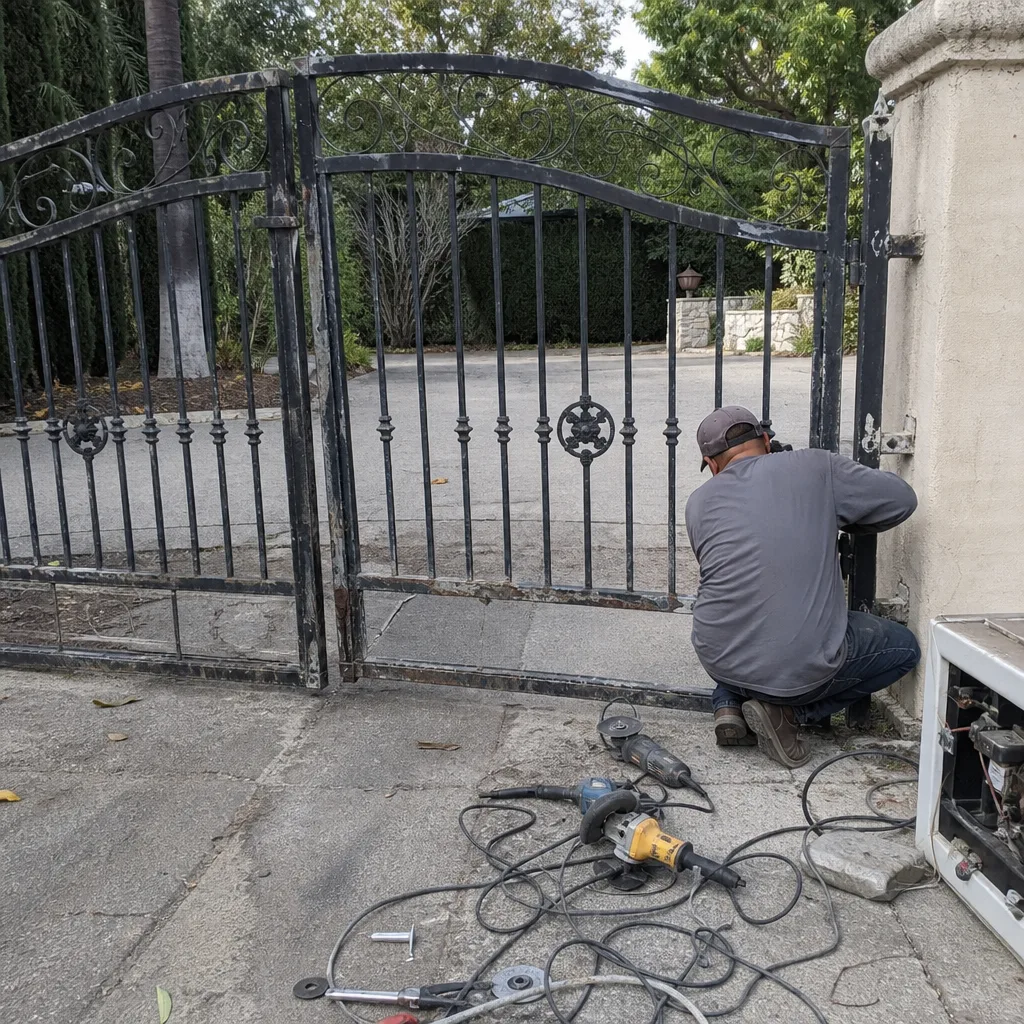 Before
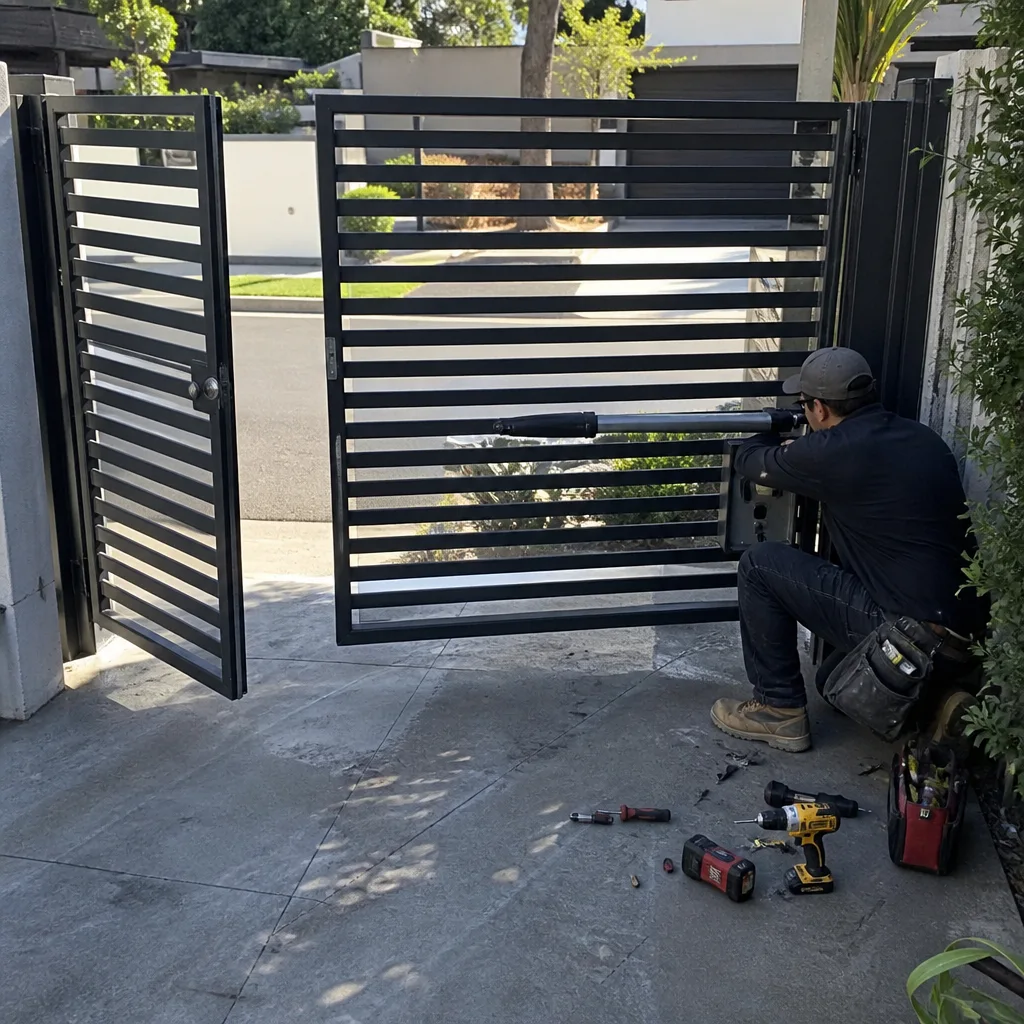 After
After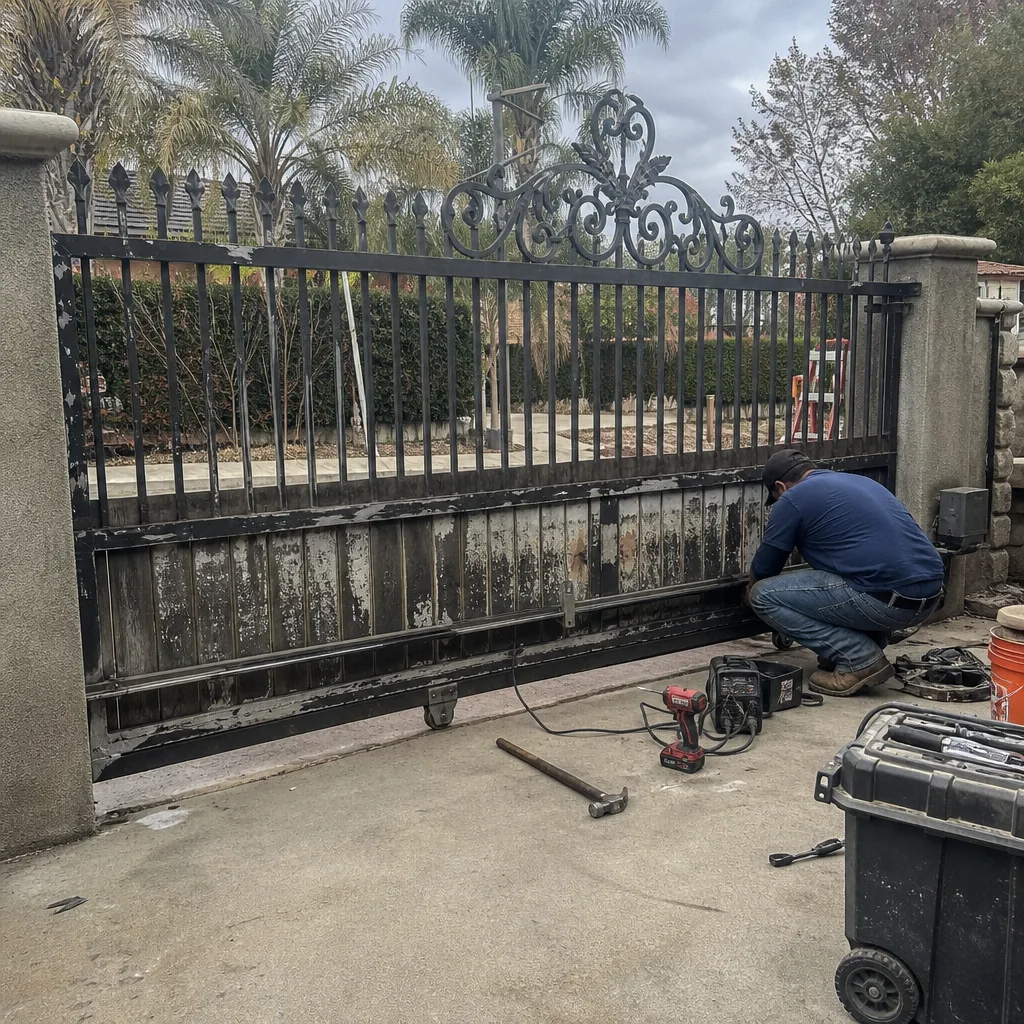 Before
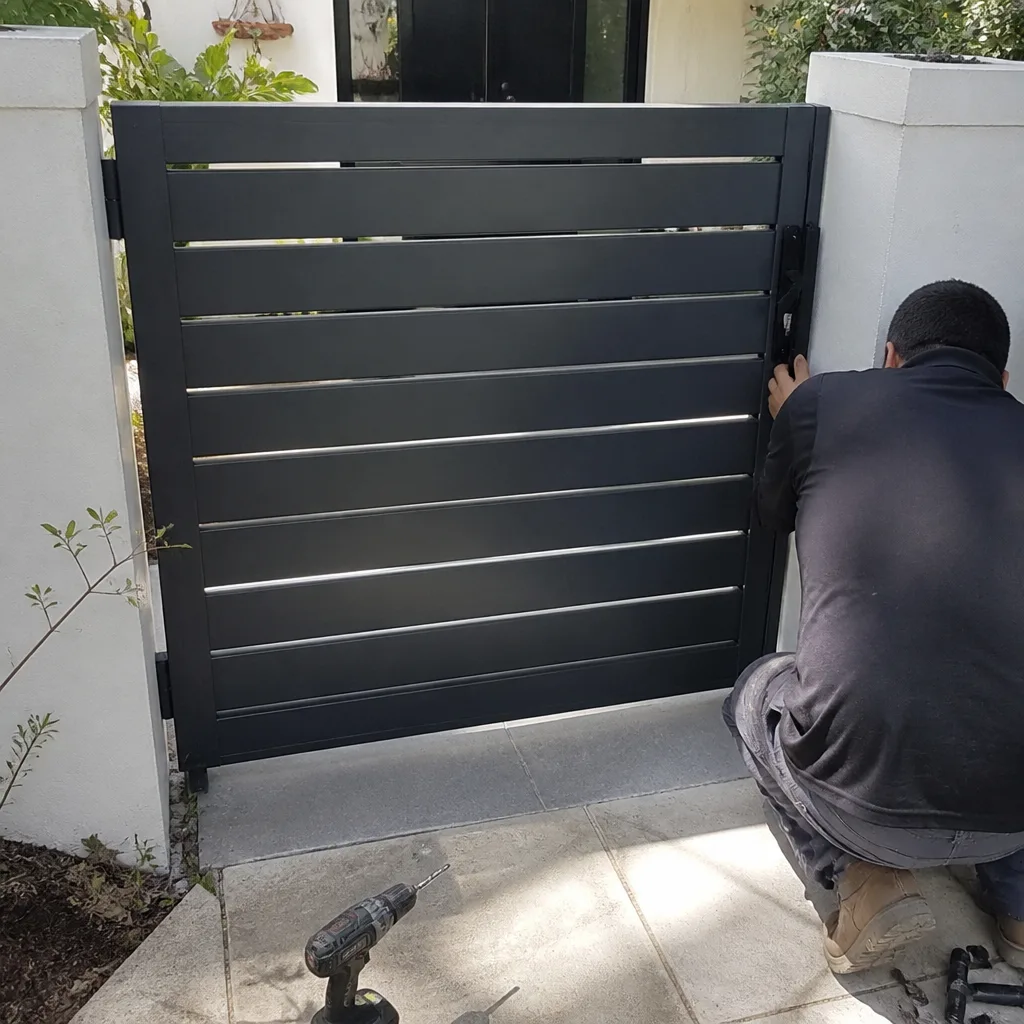 After
After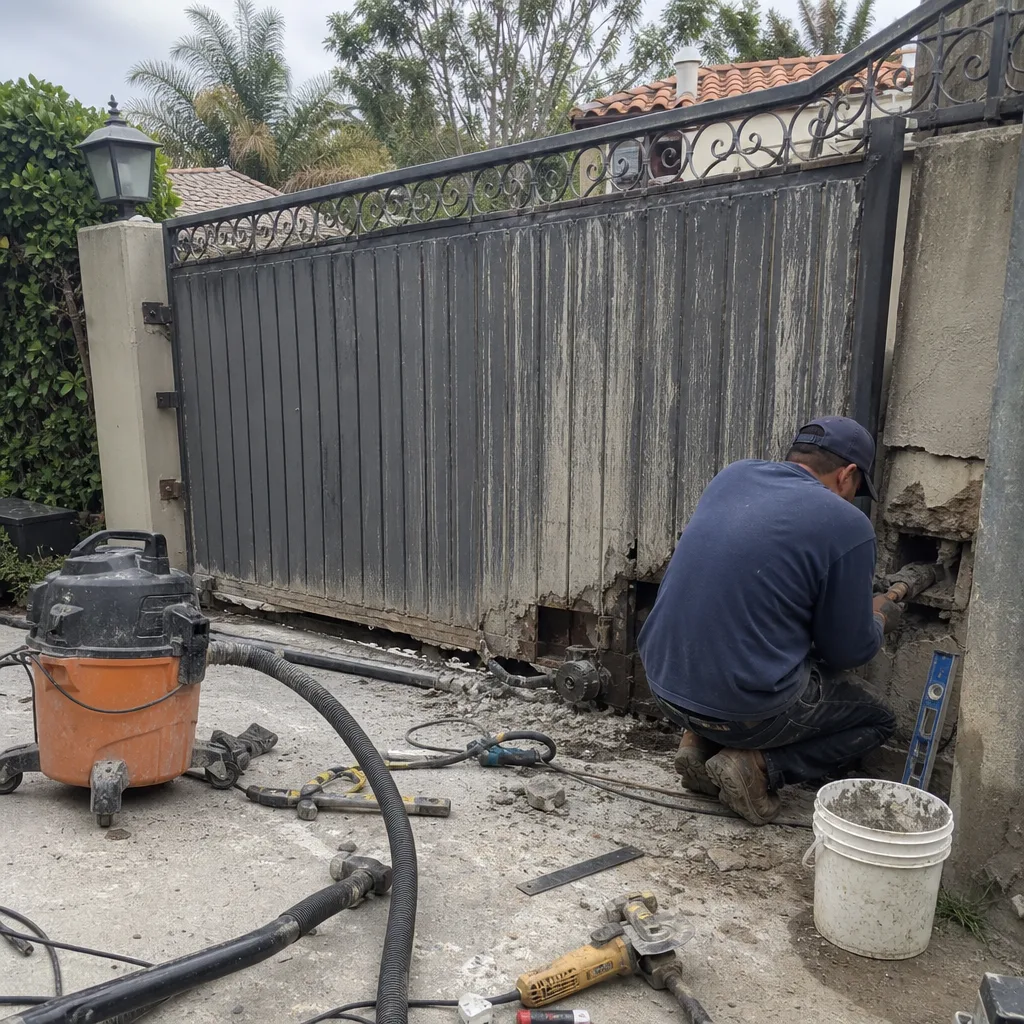 Before
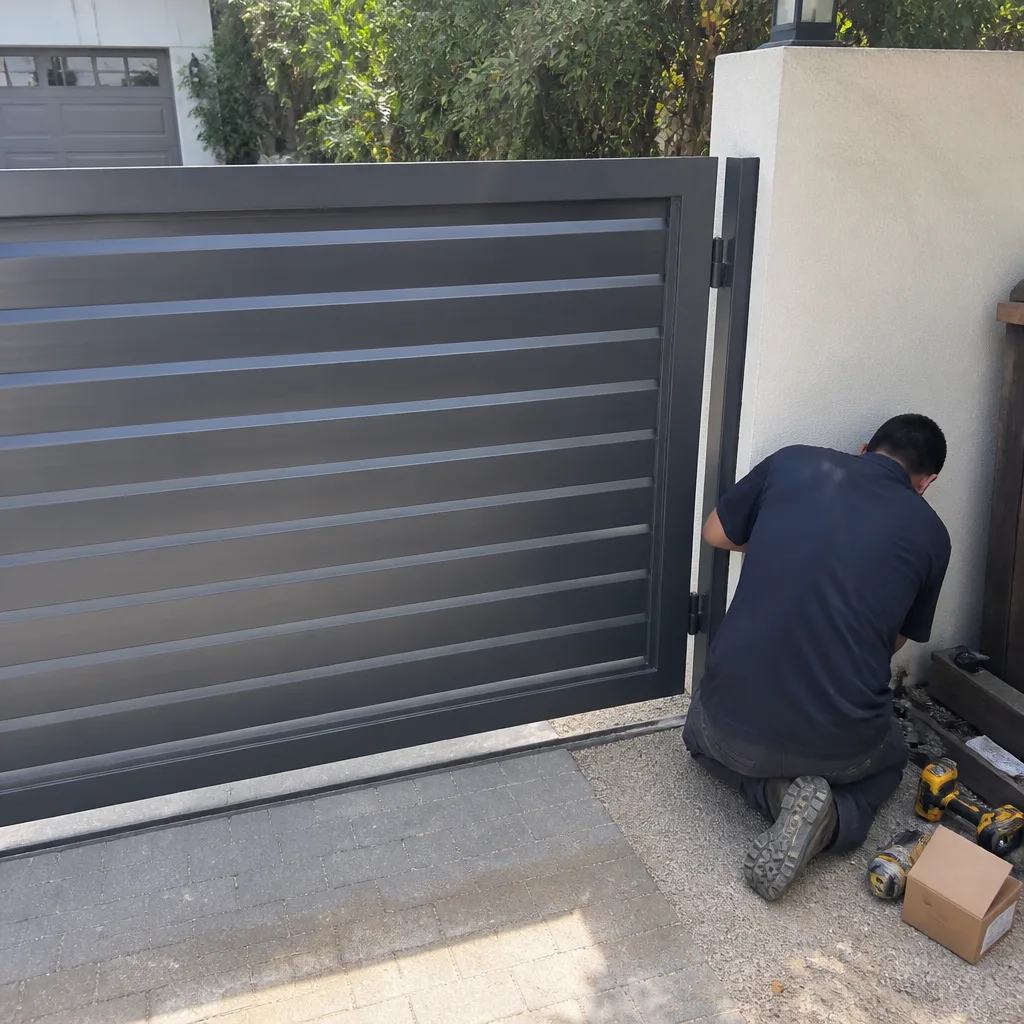 After
AfterGate Repair Warning Signs: A Tarzana Homeowner’s Reference Guide
Most homeowners don’t replace a gate motor when it’s worn out. They replace it after the day it stopped working while the car was half-through, or the night the gate refused to latch and the dog got out. But gates almost never fail without warning. They telegraph their condition for weeks or months beforehand, in sounds and hesitations and small mechanical tells that only mean something if you know which ones matter and which ones don’t. This guide explains what those warnings are, how urgent each one actually is, and what a Tarzana homeowner should do about them before a minor adjustment becomes a gate repair or motor replacement.
Quick Answer
Gate repair warning signs in Tarzana generally fall into three tiers: stop using the gate immediately (grinding drive gears, a gate that reverses or stops mid-travel unpredictably, a gate that reopens on its own after closing), schedule service within 30 days (slow or hesitant starts, intermittent beeping, rust at weld points, sagging hinges), and monitor-and-document (occasional relay clicks on cool mornings, normal motor hum that hasn’t changed pitch, slight slowdown over a year or more). The single most useful thing you can do is record what you’re seeing or hearing on video, with a timestamp and the outside temperature, before you call anyone.
Table of Contents
- The Three Urgency Tiers: Stop, Schedule, or Monitor
- What the Sound Tells You: Mechanical vs. Electrical Failure
- Why Your Gate Works Fine Until the Afternoon Sun Hits It
- How to Document a Warning Sign So a Technician Can Diagnose Before Arriving
- The Three Warning Signs Tarzana Homeowners Wait Too Long to Address
- Brand-Specific Notes: Mighty Mule, LiftMaster, FAAC, and BFT
- What to Check Yourself vs. What Needs a Technician
- What Each Warning Sign Typically Costs to Fix in Tarzana
BeforeAfterThe Three Urgency Tiers: Stop, Schedule, or Monitor
A gate that hesitates on opening could mean a battery at 60% capacity, a limit switch a quarter-turn out of position, or a motor drawing twice its rated amperage because the drive gear is stripped. Three different urgencies, three different costs. The symptom looks identical from the driveway. Understanding the difference requires sorting warning signs into three clear tiers, because treating a Tier 3 noise like a Tier 1 emergency costs you money you didn’t need to spend, while treating a Tier 1 condition like a Tier 3 annoyance can cost you a motor, a gearbox, or a gate that comes crashing down on your car.
Tier 1: Stop Using the Gate Today
These are the warning signs that indicate a mechanical failure or safety-system failure is already in progress. Continued use will make the repair more expensive, sometimes by an order of magnitude.
- Grinding or metallic scraping during travel. This usually means the drive gear teeth are worn or the rack is misaligned, and every cycle is making it worse. A stripped gear can destroy a motor in a matter of days if the motor keeps trying to drive a load it can no longer move.
- The gate reopens on its own after closing, or reverses mid-travel with nothing in the path. This is often a safety sensor (photo-eye) that has drifted out of alignment, or a force-setting that was dialed too sensitive, but it can also indicate a failing control board sending false reversal signals. Either way, the gate is not reliably closing, which means it’s not securing the property and it’s not safe around children or pets.
- The gate slams at the end of travel or into the end-stop post. This points to limit-switch failure. The motor doesn’t know where to stop, so it runs until something physically stops it. Every slam is shock-loading the hinges, the gate frame, and the motor mounts.
- Visible cracks at welded joints or mounting brackets, or bent hinge plates. A gate is a heavy cantilevered load. When welds start to fail, the stress redistributes to components that were never designed to carry it.
In Tarzana, we’ve seen a single weekend of use on a gate with a stripped drive gear turn a $140 gear replacement into a full motor and gearbox replacement at over $900. The gate kept getting used because the owner assumed the grinding noise was “just leaves in the track.”
Tier 2: Schedule Service Within 30 Days
These signs indicate developing problems. The gate will likely continue working in the short term, but the underlying issue is not self-correcting and gets more expensive with time.
- Hesitation or stutter at start, especially after sitting overnight. On a DC motor this is often a battery losing capacity. On an AC system it may be capacitor wear or a cold solder joint on the control board. Either way, it doesn’t improve on its own.
- A distinct clunking at end-of-travel, but the gate stops where it should. This is often a worn trolley or a limit switch that is functioning but out of fine adjustment. It’s not an emergency, but the slop gets worse.
- Rust blooming at bolt holes, hinge pins, or lower weld joints. Tarzana’s dry heat slows rust compared to coastal areas, but valley dust and irrigation overspray create localized corrosion that weakens structural points. Once rust shows through paint, the metal underneath has already lost some of its section.
- Gate sags visibly on the latch side. This is hinge wear or post deflection. A sagging gate puts constant shear load on the opener’s arm bracket and will eventually break the bracket or strip the arm’s gear.
- Intermittent beeping from the control panel with no clear pattern. This is often a low-battery warning on battery-backup systems, or a diagnostic code that clears before you can read it. You should photograph the panel when it happens.
Tier 3: Monitor and Log
These are conditions that a careful homeowner should note, but that don’t warrant an urgent service call. They become meaningful when they change in frequency, intensity, or duration.
- A motor hum that hasn’t changed pitch in a year. All motors hum. What matters is change. Record a quick video of the sound today so you have a baseline. If it’s louder or higher-pitched in six months, that’s data.
- An occasional relay click on unusually cold mornings. Electronics behave differently at temperature extremes. A single click does not make a pattern. A click every morning for a week does.
- Slower travel speed compared to when the gate was new. Some speed loss over years is normal for any mechanical system. What matters is whether the loss continues. Time how long the gate takes to open today, note it, and check again in a month.
- Minor rust that has not penetrated the surface. Wire-brush it, primer it, paint it. This is maintenance, not repair.
The point of the three-tier system is proportionate response. A Tier 3 sign ignored becomes a Tier 2 problem. A Tier 2 problem ignored becomes a Tier 1 failure. The tiers are not permanent labels; they’re snapshots of a moving condition.
What the Sound Tells You: Mechanical vs. Electrical Failure
Sound is the most reliable early-warning system a gate has. But you have to know how to read it. Mechanical problems make mechanical sounds: grinding, clunking, scraping, rattling. Electrical problems make electrical sounds: relay clicks, a motor that hums but doesn’t move, no sound at all when you press the remote, or a motor that sounds like it’s laboring at a higher pitch than normal. Here’s the breakdown of what each sound class points to.
Grinding
Grinding is metal on metal under load. It means a gear is chewed, a rack is misaligned, or a bearing has failed inside the motor or gearbox. It’s never “just noise.” Every grind cycle is wearing metal off a precision-machined surface. You can’t fix a ground gear by lubricating it. Lubricating a failing gear only masks the sound while the wear continues.
What this points to: Drive gear, gearbox bearing, or rack-and-pinion misalignment. Depending on the motor brand, the gear may be replaceable as a subcomponent (some older LiftMaster and FAAC units) or the motor may need replacement as a whole assembly (most newer sealed units).
Clunking at End-of-Travel
A clunk when the gate reaches its full open or full close position usually means the limit setting is slightly off, the trolley or chain has developed slack, or an end-stop rubber bumper has fallen off. The gate is still stopping, but it’s stopping because something is hitting something, not because the motor is cutting power at the right moment.
What this points to: Limit-switch adjustment, chain tension, or a missing end-stop pad. This is mechanical, and it’s usually a comparatively affordable fix if caught early.
Relay Clicking
A rapid series of clicks from the control board when you press the remote, followed by nothing, is an electrical problem. The board is trying to close the relay that sends power to the motor, but the motor is not responding. That’s either a failed relay, a failed capacitor, or a dead motor. A relay click without movement is the classic signature of a start-capacitor failure on AC motors.
What this points to: Start capacitor on an AC motor, a failed relay on the control board, or a motor that has lost internal continuity. If the same symptom appears on a DC (battery-backed) system, the battery may be too depleted to move the gate even though the board is functioning.
Humming Without Movement
When you press the remote and the motor hums but the gate doesn’t move, the motor is receiving power but cannot overcome the load. That’s either a stripped gear spinning against a stripped rack, or a capacitor too weak to produce the starting torque, or a seized bearing. Each of those has a different fix and a different price.
What this points to: Failed start capacitor, stripped drive gear, or seized gearbox bearing. Stop pressing the remote. Every attempt is heating the motor windings and shortening the motor’s remaining life.
No Sound at All
Dead silence when you press the remote or the keypad is a power supply or control board problem. It might be as simple as a tripped GFCI outlet or as serious as a fried transformer. Before you call, check the breaker and the GFCI outlet that the gate opener plugs into, and note whether the keypad still lights up. That diagnostic data saves a service trip from being a “tightened a loose wire” visit.
What this points to: No power to the opener, a failed transformer, a blown fuse on the control board, or a dead remote battery (check the remote first if both keypad and wall button also fail).
Why Your Gate Works Fine Until the Afternoon Sun Hits It
This is one of the most common reports we hear from Tarzana homeowners, and it’s also one of the most frequently misdiagnosed by people who replace parts on a hunch. The gate works in the morning, works at night, but fails or stutters between roughly 1 PM and 5 PM when the sun is directly on the control box or the motor. Here’s what’s actually happening.
Electronic components have thermal limits. A control board mounted in a metal enclosure on a west-facing wall in Tarzana can easily reach 150 to 170 degrees inside the enclosure on a summer afternoon. When a solder joint has developed a hairline crack, or a capacitor has aged, the added thermal expansion is enough to break electrical continuity. The gate fails. Then the sun moves, the board cools, the metal contracts, and the joint reconnects. The gate starts working again. To the homeowner, this looks like a random glitch. It isn’t. It’s a temperature-dependent failure, and it’s one of the most diagnostic patterns a gate technician can encounter.
Here’s what a temperature-triggered failure typically points to, in order of likelihood:
- A cold solder joint or cracked trace on the control board. The board works when cool and fails when hot. This is repairable at the component level in some cases, but many modern boards are potted in epoxy and must be replaced.
- An aging capacitor on the motor start circuit. Capacitors are rated for temperature range. An old capacitor near the end of its life will fail at the high end of its rating.
- A thermal cutoff switch in the motor that’s opening too early. The motor may be running hotter than it should because of increased friction in the geartrain, and the thermal cutoff is doing its job. Fix the friction, fix the symptom.
- A battery in a DC system that’s heat-sensitive. Batteries degrade faster in heat. If your system has a battery backup and it’s original to the unit, heat-related failure is a strong signal the battery is end-of-life.
The critical thing to understand is this: a heat-related failure will not fix itself, and it will not stay intermittent forever. The crack in the solder joint grows. The capacitor’s failure point moves lower. Eventually the gate fails at 10 AM, then at 8 AM, then permanently. Documenting the exact time of day and the outside temperature when the gate fails is the single most valuable diagnostic information you can provide to a technician. It converts a “sometimes it doesn’t work” complaint into a specific failure condition.
How to Document a Warning Sign So a Technician Can Diagnose Before Arriving
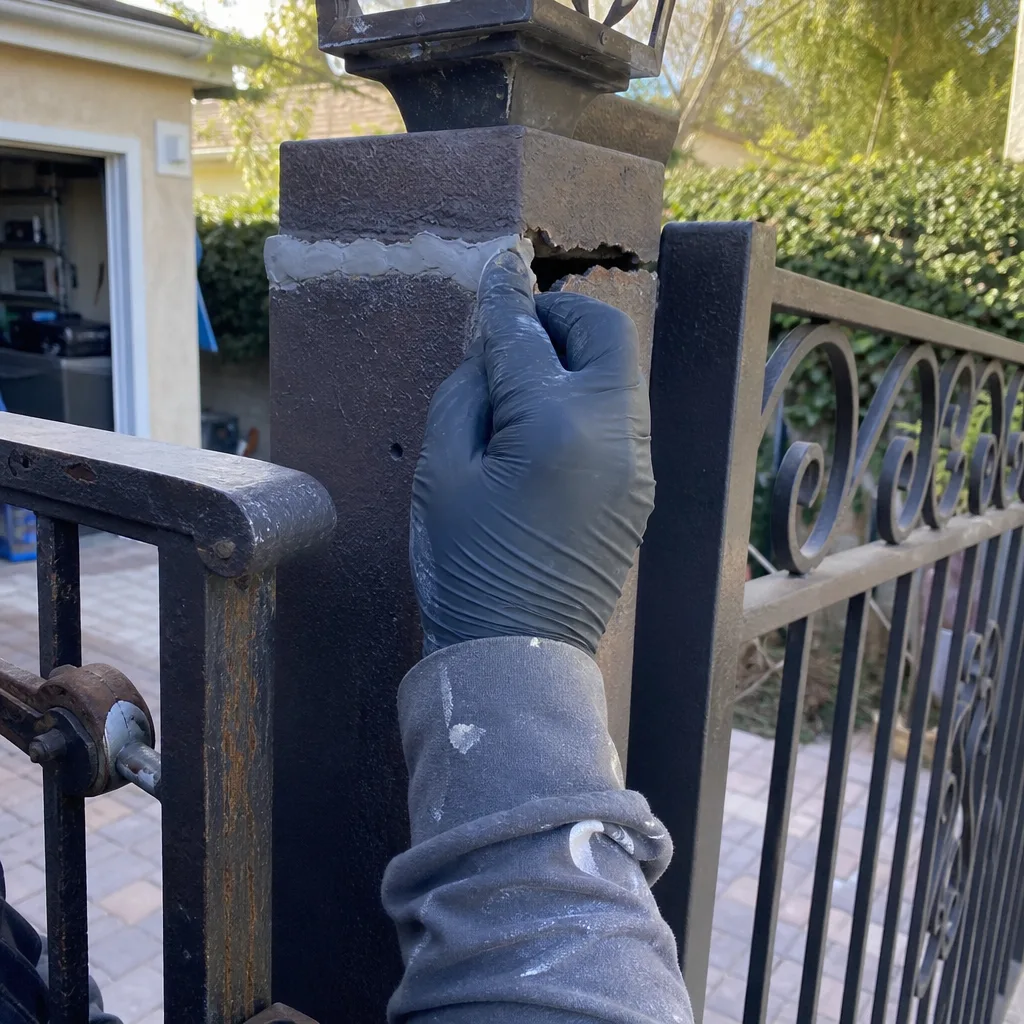
The biggest source of wasted money in gate repair is a technician who arrives at a gate that’s working perfectly at that moment, hears the homeowner’s description of a problem that isn’t present, and either (a) guesses at a fix and replaces something unnecessary or (b) leaves without finding anything and bills for the visit. Both outcomes are avoidable if the homeowner records useful evidence before the call. Here’s the documentation protocol we recommend to every Tarzana customer:
- Record video of the gate in motion, every time it misbehaves. Hold the phone steady, capture the full gate in frame from a safe distance, and record at least one full open or close cycle. Video captures the sound, the speed, and the hesitation in a way a verbal description cannot.
- Note the timestamp and the outside temperature at the time of failure. Temperature-dependence is a diagnostic goldmine. “It fails only in the afternoon” means more than eleven adjectives.
- Photograph the control board, the motor, and any visible wiring. Make sure the photo is in focus and shows the part numbers. A technician can identify the motor brand, model, and revision from a clear photo before leaving the shop, which means they arrive with the right parts.
- Log how long the gate has been behaving this way. “It started grinding about three weeks ago, and it’s gotten louder every week” is actionable. “It grinds” without a timeline is not.
- Note whether the problem happens at the same point in the travel each time. If the gate stutters only in the last two feet of closing, that’s a limit or obstruction-sensor issue. If it stutters randomly throughout travel, that’s a different problem. This distinction saves diagnostic time.
Under the Haven Standard, which governs every job at Vance Gate Repair Tarzana, this documentation habit isn’t just for the homeowner’s benefit during diagnosis. It’s the same discipline our technicians apply on-site: every visit includes a documented photo record of what was found, what was adjusted, and what was installed, delivered to the homeowner before the van leaves. When a gate fails, the record of the last service visit tells the next technician exactly what was touched, rather than forcing them to guess.
The Three Warning Signs Tarzana Homeowners Wait Too Long to Address
Some warning signs are easy to rationalize away. A gate still works, so why spend money on it? The problem with deferring these repairs is that they escalate predictably from a $150 fix to an $800-$1,200 fix when the underlying condition finally reaches the point of failure. In our experience across Tarzana, these are the three most commonly delayed warning signs, and what the delay costs.
1. A Gate That Needs a Push to Start Moving
This is so common that many homeowners assume it’s normal gate behavior. It isn’t. A gate that needs a nudge to start moving is telling you that the motor’s starting torque is marginal. On an AC system, that means the start capacitor is degrading. The capacitor is a $30 part and a 30-minute fix in most cases. But if the capacitor fails completely and the motor keeps trying to start against a dead capacitor, the motor windings overheat. The motor, not the capacitor, becomes the problem. A $120 service call becomes a $600 motor and gearbox replacement.
The reason this sign gets ignored is that the homeowner is inside the car, the gate eventually moves, and the nudge becomes a habit. But every nudge is drawing excess current through a motor that’s not designed to run that way. If you’re pushing your gate to help it open, the capacitor is already past its service life.
2. The Gate That Closes, Pauses, and Then Reopens
Homeowners often describe this as “the gate is just being glitchy.” But the gate is not glitching. The auto-reverse system is detecting an obstruction that may not be visible: a photo-eye that’s drifted out of alignment, a reflected light condition in the afternoon sun, or a loop detector for the vehicle sensor picking up a false signal. The gate reopens because the safety system is doing exactly what it was designed to do: refusing to close when it detects something in the path.
What happens when homeowners ignore this is that they start pressing and holding the close button, or they disconnect the photo-eyes, or they bypass the safety function. Now the gate closes, but the safety net is gone. The failure that was being “fixed” by bypassing the safety system is the exact same failure that will eventually cause the gate to close on a car, a child, or a pet. And once a homeowner has bypassed a safety device, the repair is no longer a simple realignment. It’s a safety re-certification and a control board inspection, because the system may have been left in an unsafe state.
3. A Chain-Drive Gate That Rocks Between Open and Closed Positions
On chain-drive gates, the chain stretches over time, especially in the first year after installation. A stretched chain produces a rocking or shuttling motion at the end of travel, where the gate overshoots slightly, then corrects. Homeowners often dismiss this as “the gate settling in.” But a loose chain wears the sprocket teeth, and continued operation under slack load causes the chain to jump a tooth under tension. When that happens, the timing between the opener and the gate position is lost, and the gate can slam into the end-post or, on a bike/walk gate, fail to latch at all.
The chain-tension adjustment is a quick fix. The sprocket and chain replacement after a tooth-jump is not. What starts as a $125 tension adjustment becomes a $400 sprocket and chain replacement if the condition is left to fail.
The pattern across all three of these is the same: a cheap, accessible component sits at the root of each problem, and the cost of fixing it when the warning sign first appears is a fraction of what it costs after the component fails and takes the surrounding hardware with it. The delay is rarely about money. It’s usually about uncertainty: the homeowner doesn’t know what the noise means, doesn’t know if it’s urgent, and doesn’t know who to call. This guide exists to remove the first two uncertainties. Gate Repair in Tarzana from Vance Gate Repair removes the third.
Brand-Specific Notes: Mighty Mule, LiftMaster, FAAC, and BFT
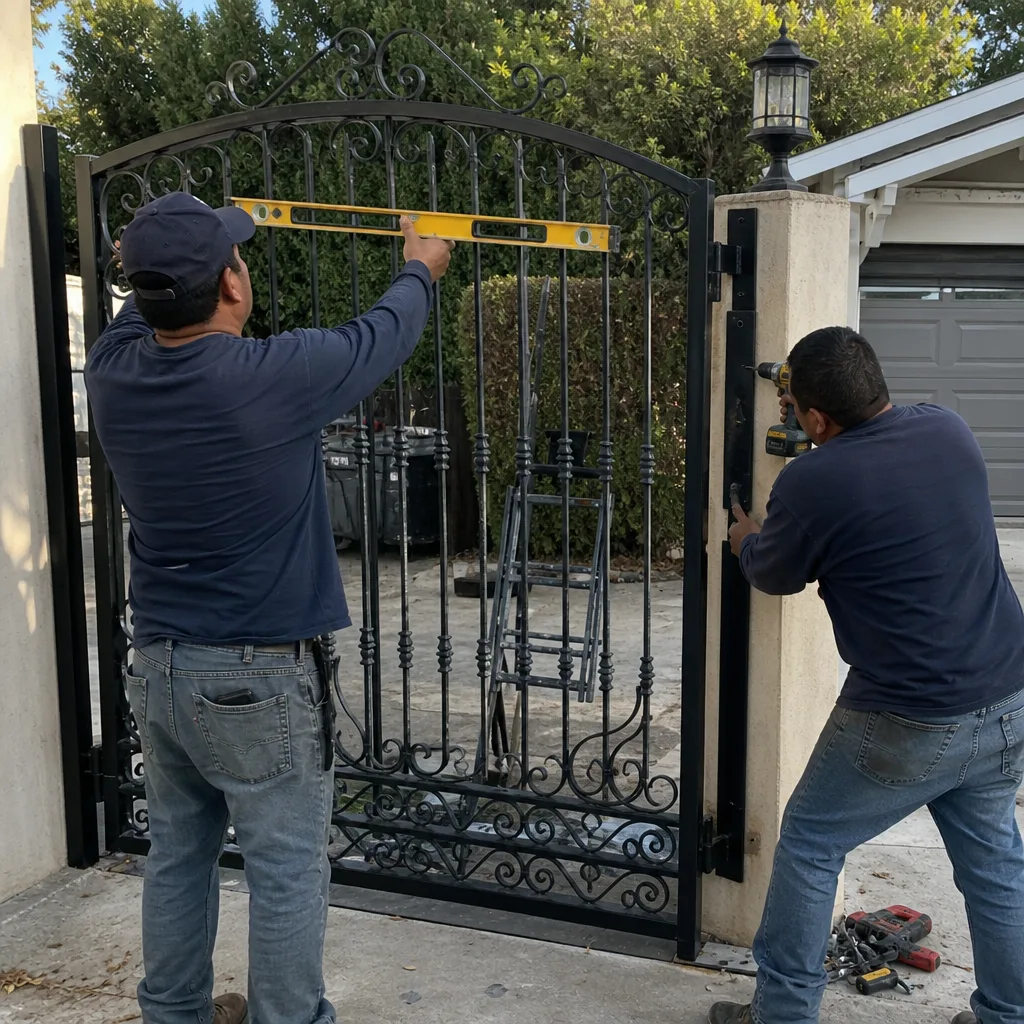
Not all gate openers are built the same way, and the warning signs they produce differ by design philosophy. Here are the brand-specific patterns we see most often, written for the Tarzana homeowner who wants to know whether the symptom they’re seeing is typical for their hardware.
Mighty Mule
Mighty Mule units are popular on lighter residential gates and are among the more DIY-friendly systems. Their most common failure mode is limit switch wear in the linear actuator, which produces a gate that stops short or slams into the end-stop. The control board is also vulnerable to lightning and power surges, and the symptoms of a surge-fried Mighty Mule board are often intermittent: the gate works for a week, fails for a day, then works again. If you have a Mighty Mule and the gate is behaving erratically after a valley thunderstorm, the board is the prime suspect.
LiftMaster
LiftMaster gate operators are built around the same technology as their garage door openers: AC motors with replaceable gears and reliable control boards. The most common warning sign on a residential LiftMaster gate operator is grinding from the plastic drive gear, which is deliberately sacrificial (it strips before the motor burns out). A grinding LiftMaster is actually the system doing its job; the gear is designed to fail cheaply rather than taking the motor with it. If you hear grinding on a LiftMaster, stop using the gate and schedule the gear replacement. The fix is straightforward and the motor is usually fine.
FAAC
FAAC hydraulic and electromechanical operators are common on higher-end residential and light commercial gates in Tarzana. The most frequent warning sign on FAAC systems is leaking hydraulic fluid on hydraulic models, which shows up as a gate that moves slower than normal and leaves a dark stain under the operator. On electromechanical FAAC units, overheating at the motor due to a failing bearing or low hydraulic oil (on hydraulic units) produces intermittent thermal cutoff. FAAC parts are more expensive than most residential brands, which makes early intervention economically important.
BFT
BFT operators are workhorses, but their most common failure in the valley heat is capacitor degradation, producing the classic hum-without-movement symptom or a gate that starts slowly. The capacitor is usually replaceable at modest cost. BFT control boards are generally robust, but they are sensitive to incorrect wiring on installation, which means a BFT system that has worked perfectly for years and then begins behaving strangely is more likely to be experiencing a component failure than a configuration problem.
What matters most is not the brand on the motor but the symptom the motor is showing. Vance Gate Repair Tarzana services all four of these brands plus five others (nine total on our bench), which means you don’t need to find a brand-specific specialist to get an accurate diagnosis. The same technician who diagnoses a stripped LiftMaster gear can troubleshoot a FAAC hydraulic valve, and the written price before work starts is brand-independent. For help choosing the right professional, see our How to Hire a Gate Repair Contractor in Tarzana: A Step-by-Step Guide.
What to Check Yourself vs. What Needs a Technician
There’s a meaningful difference between a homeowner who is informed and a homeowner who is about to get hurt. Gate systems combine heavy moving steel, high-tension springs on some designs, and 120V or 240V electrical power in the same enclosure. The boundary between “check this yourself” and “let a professional handle this” is not about gatekeeping knowledge. It’s about where the danger lives.
Safe to Check Yourself
- Remote batteries. If the gate responds to the keypad but not the remote, change the remote battery before calling anyone.
- Breaker and GFCI outlet. If the gate is completely dead, check the breaker panel and reset the GFCI outlet the opener plugs into. Note whether it trips again immediately; if it does, stop resetting it and call a technician.
- Visible obstructions in the gate path. A branch, a child’s toy, a fallen pot. Remove it and test the gate.
- The gate’s manual operation. Most openers have a disconnect lever or key. With the opener disconnected, the gate should move freely by hand with reasonable effort. If it’s stiff or binding, the problem is mechanical, not electrical, and the opener is not at fault.
Leave to a Qualified Technician
- Any work inside the control panel or motor enclosure. These enclosures contain live 120V/240V terminals. The capacitor on an AC motor stores charge even after power is disconnected and can deliver a dangerous shock.
- Limit-switch adjustment on any opener. Getting the limit wrong changes the gate’s stopping point, which can cause the gate to overtravel and crash into the end-post or pull the actuator apart.
- Spring or counterweight tension adjustments. Gates designed with torsion springs or counterweights store enormous mechanical energy. A tensioned spring can release that energy suddenly and without warning if adjusted incorrectly.
- Any electrical wiring, especially on solar or battery-backup systems. Incorrect wiring on a DC system can damage the control board and the battery, and reverse-polarity connections on low-voltage DC systems can permanently destroy electronics.
The line is simple: you can identify a problem without opening an enclosure. You should never open an enclosure to confirm a suspicion. For Gate Motor & Opener service in Tarzana, every diagnostic visit starts with the exterior symptoms and the documentation you’ve gathered, not with a screwdriver inside the control box. That’s how it should be.
What Each Warning Sign Typically Costs to Fix in Tarzana
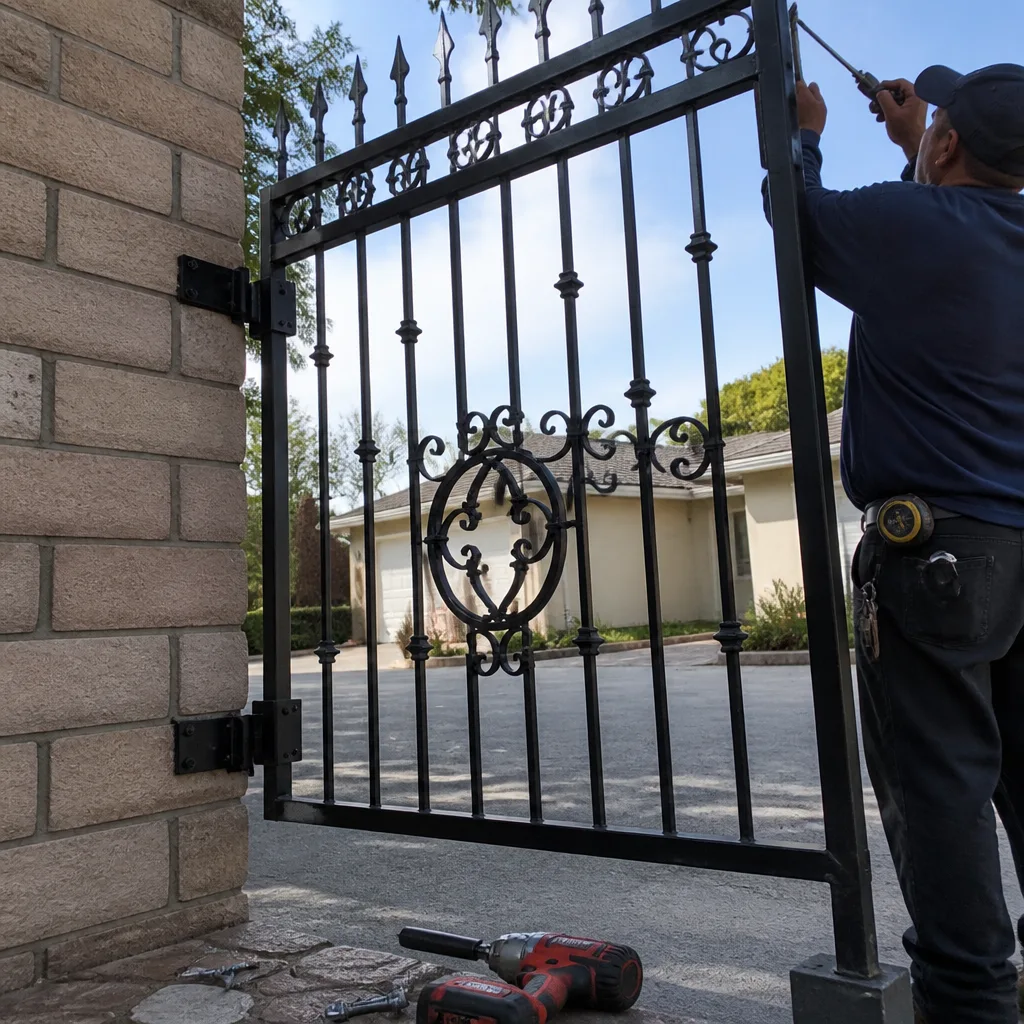
We publish typical price ranges because the second question every homeowner has, right after “what’s wrong with my gate,” is “what is this going to cost me.” For more guides & resources on gate maintenance and repair costs, explore our blog. These are representative ranges for the Tarzana market, current as of this writing. Your exact price depends on the opener brand, the gate’s weight and size, and what the technician finds when the enclosure is open. But these ranges give you an honest frame of reference.
| Warning Sign | Typical Diagnosis | Typical Tarzana Repair Cost |
|---|---|---|
| Grinding from drive mechanism | Worn drive gear or misaligned rack | $140-$320 |
| Humming without movement | Failed start capacitor (AC) or battery (DC) | $30-$180 for capacitor; $120-$350 for battery |
| Gate slams at end-stop | Limit-switch adjustment or replacement | $110-$260 |
| Gate reopens after closing | Photo-eye realignment or replacement | $95-$250 |
| Relay clicking, no movement | Failed relay or control board issue | $150-$450 depending on board |
| Heat-related intermittent failure | Cold solder joint, aging capacitor, or thermal cutoff | $180-$520 depending on component |
| Gate sagging, won’t latch | Hinge wear or post deflection | $175-$500 depending on hinge type and post condition |
| Chain slack / rocking at end-of-travel | Chain tension adjustment or sprocket replacement | $125-$400 |
Here’s what the table doesn’t show: every one of these prices is written down and handed to the homeowner before any work starts. No one at Vance Gate Repair Tarzana has ever surprised a customer with an invoice that wasn’t quoted upfront. That’s Haven Standard Clause 1, and it applies to every job from a capacitor swap to a full Gate Installation in Tarzana. If you have a written estimate from another company, we’ll review it with you at no cost and tell you whether the diagnosis and the price match what we’d find. A second opinion is free, and it’s often the difference between a $300 repair and a $1,200 replacement someone wanted to sell you.
Common Mistakes to Avoid
- Lubricating a grinding gate to quiet the noise. The sound is the symptom, not the problem. Grease muffles the symptom while the gear continues to wear. You can’t lubricate a stripped gear back to health. If it grinds, it’s already beyond the point where lubricant helps.
- Disconnecting the photo-eyes or forcing the gate closed with the manual override after it reopens on its own. The auto-reverse is a safety system. Bypassing it to make the gate close is not a fix; it’s how gates close on cars, children, and pets. The correct response is realignment or sensor replacement.
- Replacing the opener before checking the gate itself. A gate that’s hard to move by hand (with the opener disconnected) will wear out any new opener in short order. The opener may be the victim, not the culprit. Diagnose the whole system, not just the motor.
- Ignoring an intermittent problem because “it works now.” Intermittent means the problem exists and conditions haven’t yet aligned for the failure to become permanent. The conditions will align. Document what happened, when it happened, and what the temperature was.
- Pressing the remote repeatedly when the gate doesn’t respond. Every press sends high current into a motor that may not be able to move. Multiple rapid attempts can overheat motor windings and turn a capacitor problem into a motor problem. If the gate doesn’t respond after two presses, document the symptom and call.
- Buying a replacement part online based on a forum guess. We’ve replaced a lot of “new” aftermarket parts that were the wrong revision, the wrong voltage, or incompatible with the existing board. The part number on your motor or board tells you exactly what belongs there. A forum post doesn’t.
- Deferring service until after the gate fails completely. After a hard failure, the repair always costs more than the pre-failure fix would have: more parts are damaged, the urgency eliminates scheduling flexibility, and you may be facing a full system replacement that a $150 fix would have prevented.
When to Call a Professional
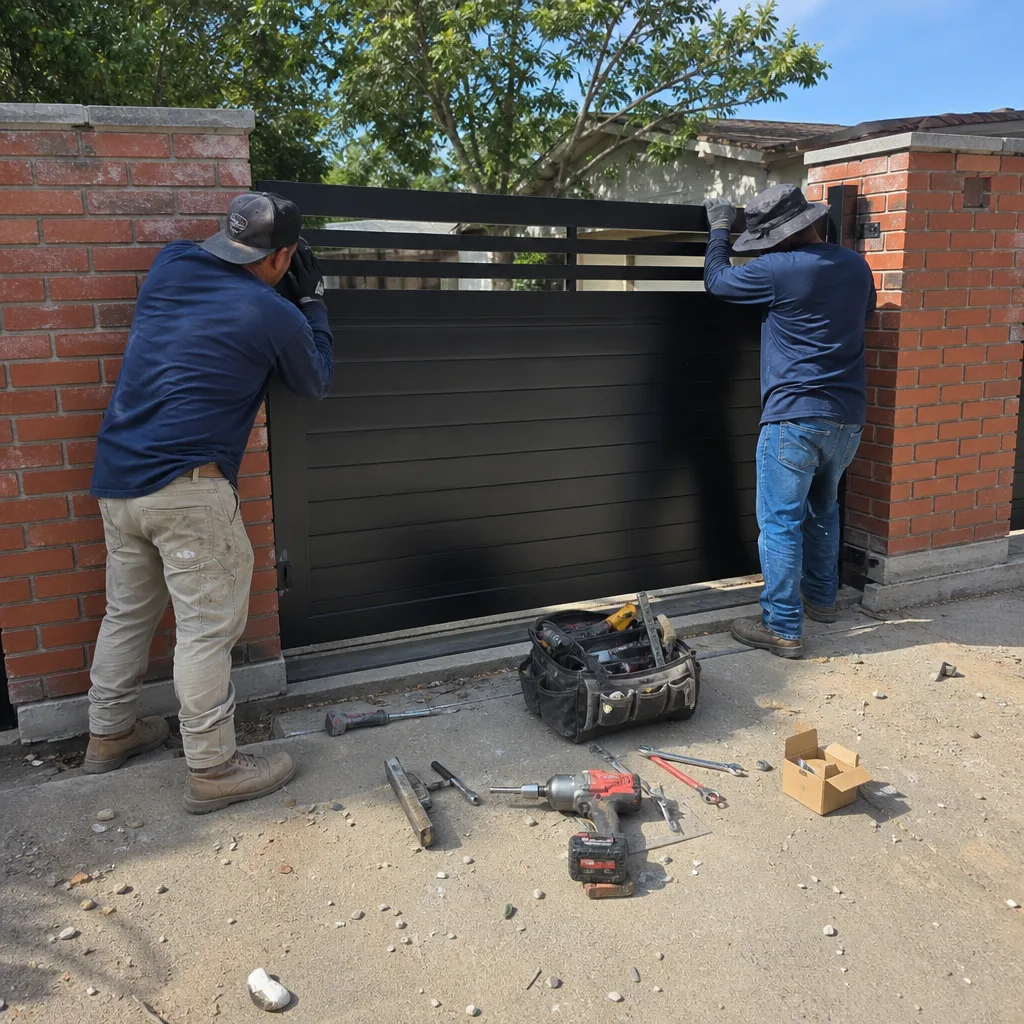
Call a professional the day you observe a Tier 1 warning sign: grinding, an auto-reversing gate, or any visible structural crack. Call within the week for a Tier 2 sign: hesitation, clunking end-of-travel, or sagging. Call when the documentation you’ve gathered shows a pattern rather than a one-time anomaly for Tier 3 signs. If you’re in Tarzana and you’ve noticed any of these warning signs, you don’t have to know which tier your symptom falls into before you call. Explain what you’re seeing; we’ll help you classify the urgency, and if it can wait, we’ll tell you it can wait and what to watch for. Vance Gate Repair Tarzana offers free estimates on every repair in Tarzana. Call (424) 258-8818 and talk to a live person, any hour of any day, or start with the Vance Gate Repair Tarzana home page to learn more about how we work.
Frequently Asked Questions
A gate that fails only during the hottest part of the afternoon is showing a temperature-dependent electrical failure: most commonly a cracked solder joint on the control board, an aging capacitor, or a thermal cutoff that’s opening too early because friction has increased inside the motor. In Tarzana’s summer heat, a west-facing control box can exceed 150 degrees inside, which is enough to trigger these failures. Document the time and outside temperature when the gate fails, then call for a diagnostic visit. The failure will not stay intermittent forever.
Yes. Grinding means metal is wearing against metal: a stripped drive gear, a misaligned rack, or a failed bearing. Every cycle makes it worse. In most cases, the gear or rack is replaceable for roughly $140 to $320 if caught early, but continued use can destroy the motor and push the repair cost past $900. Stop using the gate and schedule service. Call (424) 258-8818 to get an exact quote for your gate.
Most gate repairs in Tarzana run between $95 and $520 depending on the diagnosis, with the most common fixes (photo-eye realignment, limit-switch adjustment, capacitor replacement) falling in the $95 to $260 range. Motor or control board replacements run higher, typically $450 to $1,200 depending on the brand and model. Every Vance Gate Repair job includes a written price before work starts, so the figure you see on the estimate is the figure on the invoice.
Yes. A live person answers calls at Vance Gate Repair Tarzana 24 hours a day, seven days a week, and we dispatch technicians to emergency gate repairs in Tarzana the same day. If your gate is stuck open, stuck closed, or making a grinding noise, call (424) 258-8818 and we’ll get a technician out to you. The written price is delivered before any work begins.
An intermittent beep from a gate opener typically means the battery backup is running low, the system has logged a diagnostic code, or a safety sensor has been triggered and cleared. Photograph the control panel display the next time it beeps, note the time and temperature, and call for a diagnosis. A beep that repeats on a pattern is data; a beep you ignore becomes a dead gate later.
Do you work on all gate opener brands in Tarzana?
Request a Free Estimate in Tarzana
Tell us what you need - Vance Gate Repair Tarzana responds fast. No obligation.